
SynthID detected
The service found a SynthID watermark. Read any accompanying confidence and explanation.
Instagram image guide
Use SynthID Detector as an IG AI Detector for one specific signal: Google’s SynthID watermark. Check a visible Instagram image in Chrome and read the result right beside it.
Images only · synthid.com sign-in required · selected images are uploaded to Google
Steps
Start with an image you can see on Instagram’s website in Chrome. Open the post at a larger size when possible.
Install the extension, then sign in to synthid.com in the same Chrome profile. Checks use the service’s available quota.
Right-click the image or the spot where it appears and choose SynthID Detector. The extension tries to retrieve its original image file, including through some page overlays.
Click the toolbar icon or press Alt + Shift + D. Click an accessible image or drag around a visible area, then select Check.
The result appears on the page. Read it as a SynthID watermark finding, with the confidence information supplied by synthid.com when available.
The right-click command starts the upload immediately. In selection mode, the image or selected screenshot region is submitted after you confirm with Check or Enter.
When the image is hard to reach
Webpages sometimes place transparent layers over an image or make right-clicking difficult. Selection mode gives you another way to choose what to check.

A sample of the result card you would see beside your selection.
Visual demo only. No image is uploaded or checked.
Results
Instagram images can be compressed, resized, or edited. The extension reports what synthid.com finds in the submitted image; it does not independently verify the result.
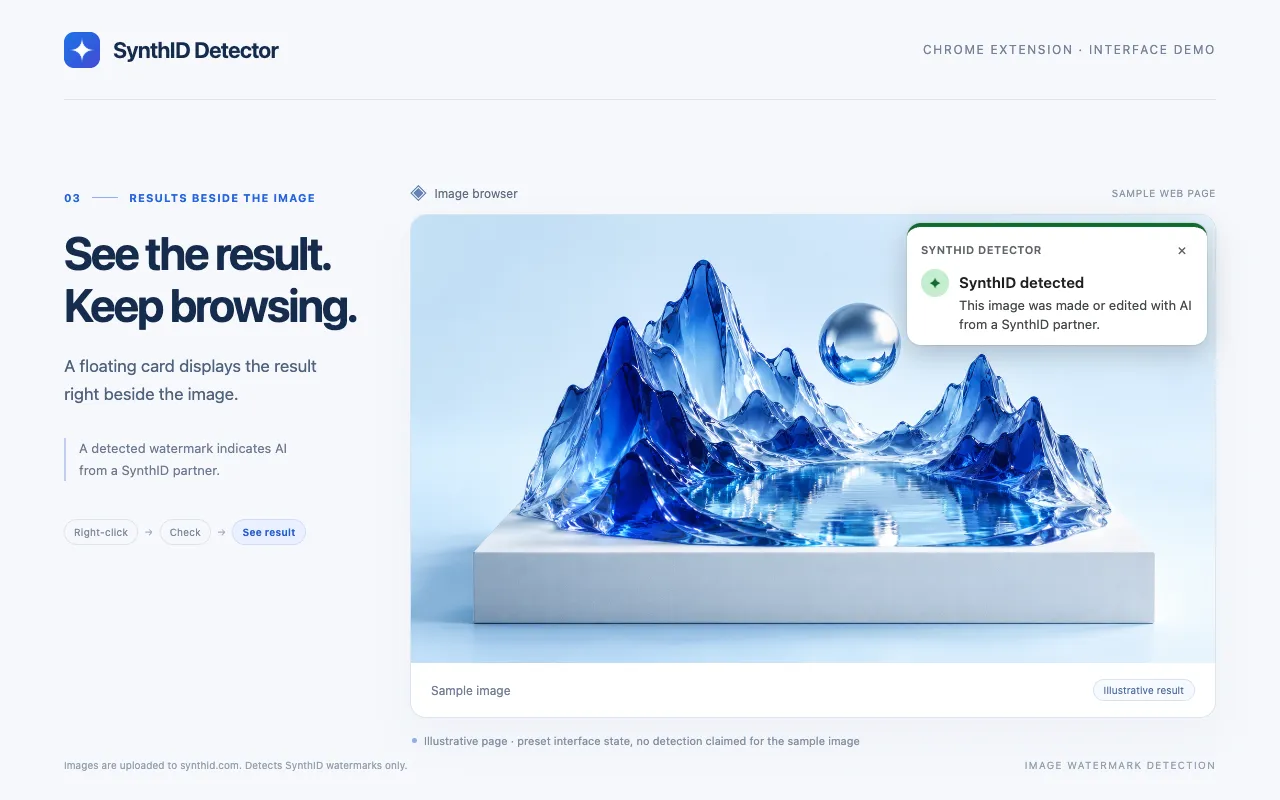
The service found a SynthID watermark. Read any accompanying confidence and explanation.
No SynthID watermark was found. The image may still be AI-generated or edited with another system.
The service could not make a clear finding, or reported possible editing. Avoid a definitive conclusion.
FAQ
SynthID Detector checks a selected Instagram image, or a screenshot of a selected area, for a Google SynthID watermark through synthid.com. It displays the service’s result beside the image. It does not inspect an account or scan your feed automatically.
No. This extension checks for SynthID watermarks, not every kind of AI generation. Images from other AI systems may not contain SynthID. “SynthID not detected” does not establish that an image is human-made.
This version checks images only. Selection mode can capture the visible pixels of a video frame as an image, but that is not a video check and does not establish whether a Reel or an entire video was made with AI.
A screenshot contains the pixels displayed on your screen rather than the original image file. Resizing, compression, cropping, and a small display size may reduce the watermark signal. Open the image at a larger size and prefer the original image when accessible.
Access depends on the page, image source, browser permissions, and the availability of synthid.com. Protected images or changes to Instagram’s interface may prevent the original from being retrieved. Selection mode offers a screenshot option, with the limitations described above.
The selected image or confirmed screenshot region is uploaded to Google’s synthid.com service through your signed-in Chrome session. The extension does not operate its own image-upload server. Only submit content you are permitted to share with that service.
SynthID Detector is an independent third-party extension. It is not affiliated with or endorsed by Google, Google DeepMind, Instagram, or Meta.
Get the extension
It’s free to install. Checks need a synthid.com sign-in.